

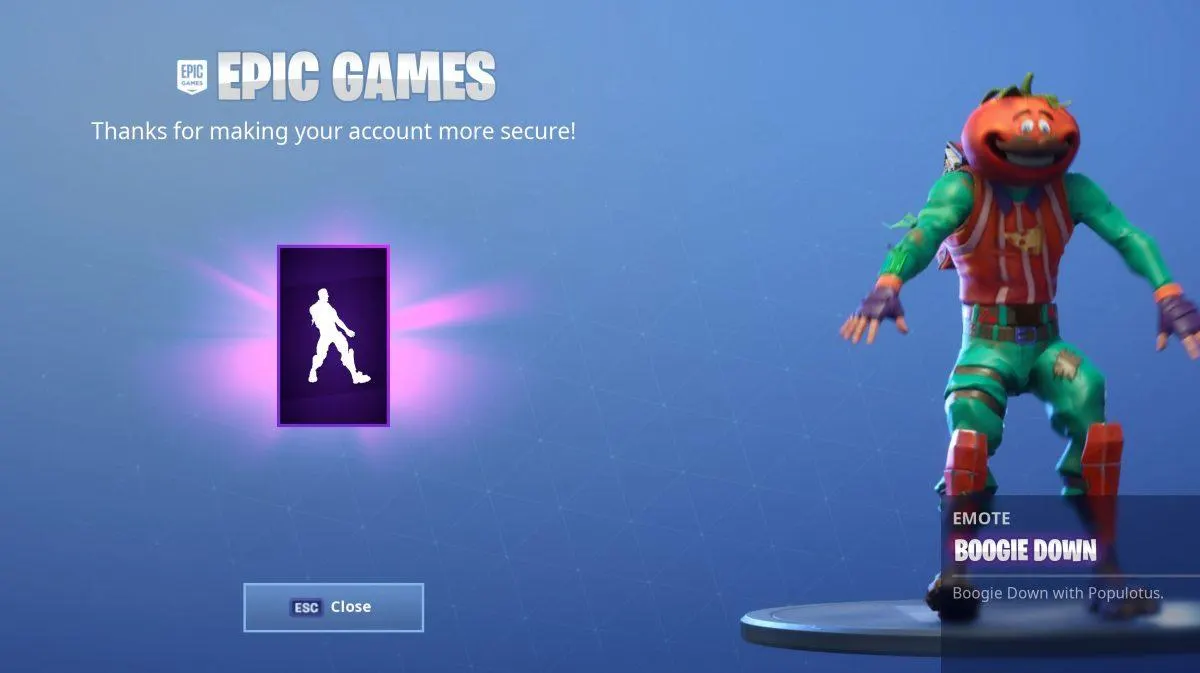
Hey there, fellow Fortnite enthusiasts! If you’re on the hunt for the Boogie Down emote in Fortnite, you’re in the right place. In this guide, I’ll walk you through the simple steps to snagging this funky dance move for free. The secret? Two-Factor Authentication (2FA). Let’s dive right into it!
What’s the Boogie Down Emote?
Before we hit the dance floor, let’s talk about what makes the Boogie Down emote so special. It’s a snazzy dance move that adds a bit of flair to your Fortnite character, and the best part is, it won’t cost you a dime. Epic Games is handing it out for free, but there’s a catch—you’ve got to enable 2FA on your Epic Games account.
Step 1: Logging In
First things first, head over to epicgames.com/fortnite. Log in with your Fortnite credentials. If you don’t have an Epic Games account yet, don’t worry! You can quickly create one during the process.
Step 2: Navigating to Account Settings
Once you’re in, hover over your username in the top right corner. A menu will appear—select “Account” from the list. Easy so far, right?
Step 3: Strengthening Security
Now, click on the “Password and Security” tab. This is where the magic happens. We’re about to add an extra layer of security to your account.
Step 4: Choose Your Weapon – Enabling 2FA
Under the “Two-Factor Authentication” section, pick your preferred method. You can receive a security code through email or text (SMS), or use a third-party authenticator app like Google Authenticator, LastPass Authenticator, Microsoft Authenticator, or Authy.
Step 5: Verification Dance
After choosing your method, follow the prompts to verify your account. If everything goes smoothly, you should see a green box with the word “Enabled” next to your chosen method. Congratulations, you’ve just leveled up your account security!
Claiming Your Boogie Down Emote
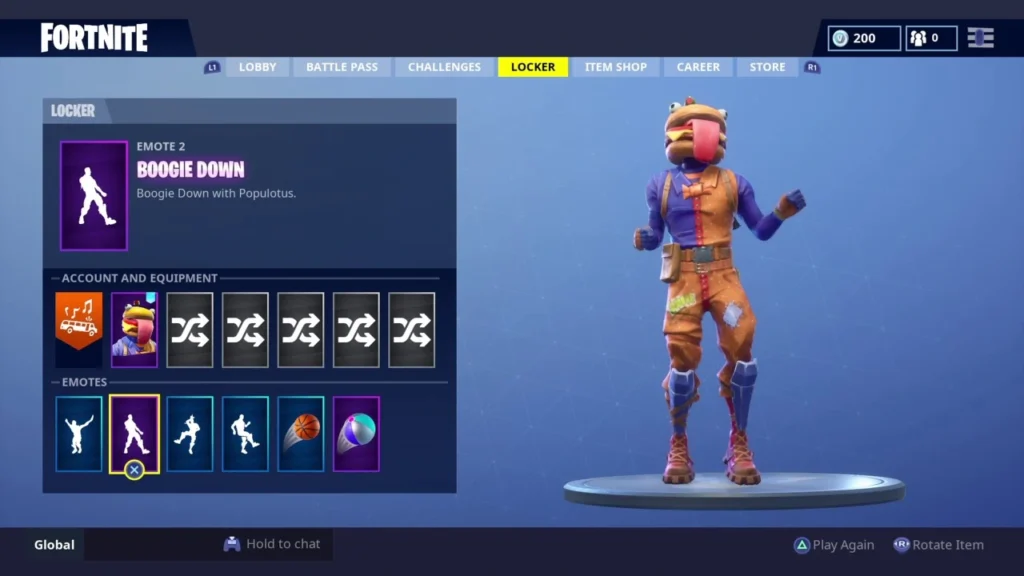
Now comes the exciting part – claiming your Boogie Down emote! Once you’ve successfully enabled 2FA, head to the Locker screen in-game. You’ll find your new dance move waiting for you there.
Why Enable 2FA?
Before you hit the dance floor, let’s talk briefly about why Epic Games is encouraging 2FA. It’s like having a bouncer for your Fortnite account, making sure only you get past the velvet ropes. With the rise in online security threats, it’s a small step that can save you from potential headaches. Plus, it’s a win-win – you secure your account, and you get a cool emote for your character.
Also read: How To Find Cardboard Box with Location in Fortnite