

Are you striving to make your Sims the best in every aspect of life? In The Sims 4, the key to achieving this lies in mastering a multitude of skills. While the game allows you to naturally progress through these skills, sometimes you just want to expedite the process. That’s where the Sims 4 Skills Cheat comes in handy, offering a quick and easy way to level up your Sims.
In this guide, I’ll walk you through the essential information and cheat codes to elevate your Sims to skill mastery.
Enabling Cheats in The Sims 4
Before diving into the skill cheats, it’s crucial to know how to enable cheats in your game. Follow these simple steps:
- PC: Press Ctrl + Shift + C
- Mac: Press Command + Shift + C
- Console (Xbox and PlayStation): Press all four shoulder buttons
Once the cheat console is open, type in testingcheats true to enable cheats. Now, you’re ready to input skill cheat codes and level up your Sims.
Major Skills Cheat Codes
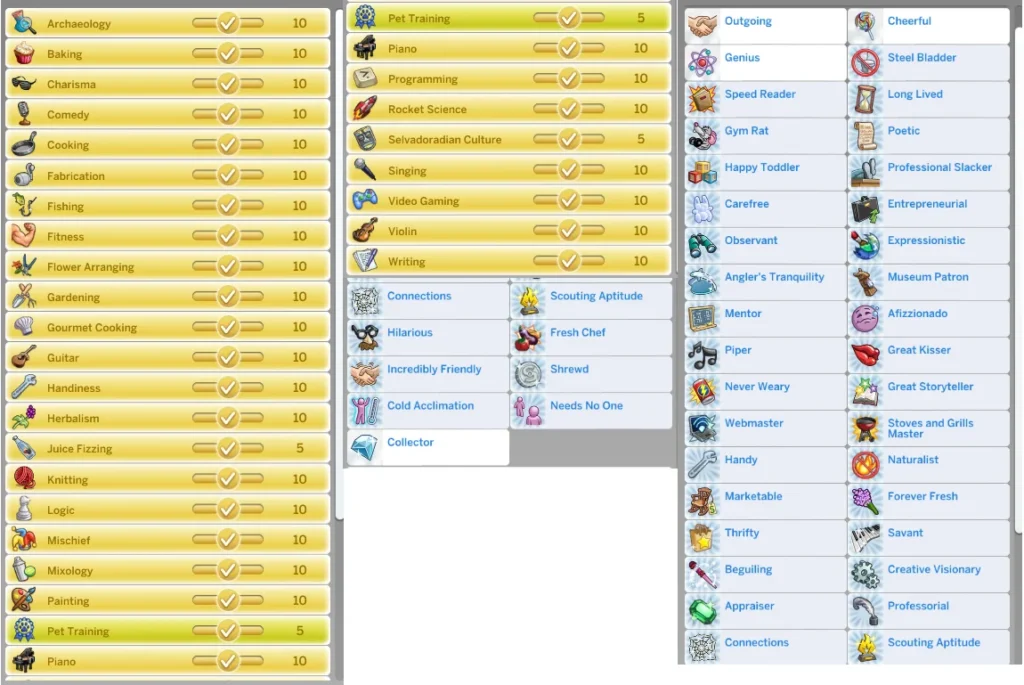
Major skills are the backbone of a well-rounded Sim. From Charisma to Rocket Science, here’s a handy table of major skill cheat codes:
| Skill | Cheat Code | Max Level |
|---|---|---|
| Charisma | stats.set_skill_level Major_Charisma 10 | 10 |
| Comedy | stats.set_skill_level Major_Comedy 10 | 10 |
| Cooking | stats.set_skill_level Major_HomestyleCooking 10 | 10 |
| … (and so on) | … | … |
Minor Skills Cheat Codes
These skills add flair to your Sim’s life. Bowling, dancing, and pet training are just a few examples. Use the table below for minor skill cheat codes:
| Skill | Cheat Code | Max Level |
|---|---|---|
| Bowling | stats.set_skill_level Skill_Bowling 5 | 5 |
| Dancing | stats.set_skill_level Minor_Dancing 5 | 5 |
| Pet Training | stats.set_skill_level Skill_Dog 5 | 5 |
| … (and so on) | … | … |
Child and Toddler Skills Cheat Codes

Even the youngest Sims can benefit from cheats. Here are cheat codes for child and toddler skills:
| Skill | Age | Cheat Code | Max Level |
|---|---|---|---|
| Creativity | Child | stats.set_skill_level Skill_Child_Creativity 10 | 10 |
| Potty | Toddler | stats.set_skill_level Skill_Toddler_Potty 3 | 3 |
| … (and so on) | … | … | … |
How to Use Skill Cheats
Using skill cheats is a breeze. Just follow these steps:
- Open the cheat console using the appropriate key combination.
- Type testingcheats on to enable advanced cheats.
- Enter the desired skill cheat code (e.g., stats.set_skill_level Major_Video Gaming 10 for max video gaming skill).
Can You Lower A Skill?
Yes, you can use the same cheat codes to lower a skill. Simply adjust the skill level in the cheat code. For example, to reduce the video gaming skill to level 4, use stats.set_skill_level Major_Video Gaming 4.
Conclusion
With these Sims 4 skills cheat codes, you can transform your Sim into a master of all trades. Whether you’re aiming for the charisma of a socialite or the rocket science expertise of an astronaut, these cheats make skill development a breeze. Use them wisely, and watch your Sims thrive in their virtual world!
Remember, cheats are there to enhance your gaming experience, so feel free to experiment and tailor your Sims’ skills to create the life you desire. Happy Simming!
Also read: Sims 4 Toddler Cheats: Mastering Parenthood with Ease