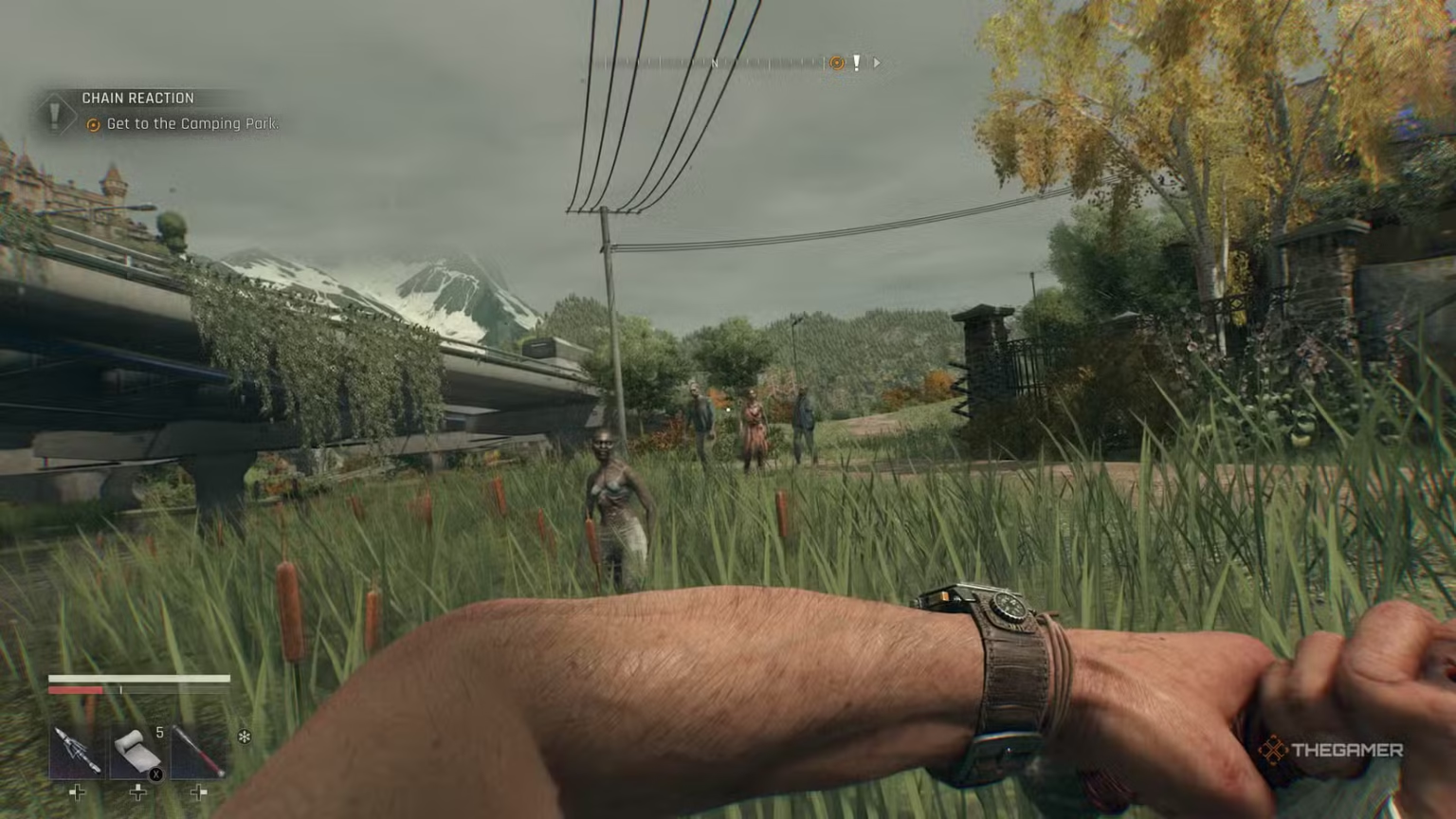
Throwing weapons in Dying Light The Beast is one of the most underrated combat mechanics in the game. It is not clearly explained during early gameplay, yet mastering it can give you a huge advantage when dealing with infected at close or mid range. If you are searching for a clear and simple explanation on how to throw weapons in Dying Light The Beast, this guide covers everything you need to know.
Why Throwing Weapons Is Important
Weapon throwing allows you to deal damage without fully committing to melee combat. This is especially useful when your health is low, when enemies are rushing you, or when you need to stagger a dangerous infected quickly. A well-timed throw can interrupt attacks, finish weakened enemies, or give you enough breathing room to reposition.
Although throwing a weapon can cost durability and sometimes risks losing it, the mechanic can be life-saving in high-pressure situations.
How to Throw Weapons on PC
Throwing weapons on PC requires a combination input rather than a single button press.
First, equip any melee weapon. Hold down the heavy attack button to charge your strike. While still holding the heavy attack, press the interaction key. Instead of performing a heavy swing, your character will throw the weapon forward in the direction of your crosshair.
The throw follows your aim, so accuracy matters. Head-level throws are far more effective and can instantly take down standard infected.
How to Throw Weapons on Controller
On controllers, the process is very similar to PC.
Hold the heavy attack trigger to charge the attack. While holding it, press the right stick. This converts the charged heavy attack into a weapon throw. The weapon will be launched straight ahead based on your aim.
This works on both Xbox and PlayStation controllers and can be used with most melee weapons available in the game.
What You Should Know Before Throwing Weapons
Thrown weapons do not automatically return to your inventory. If a weapon lands somewhere unreachable, it may be permanently lost. Because of this, it is best to throw weapons you are willing to risk or throw them in areas where retrieval is possible.
Melee weapons can be thrown, but firearms and certain special weapons cannot. Gadgets like grenades and throwing knives are handled separately and use their own input system.
Weapon throws also consume durability, so repeatedly throwing your strongest weapons is not recommended unless necessary.
Best Times to Use Weapon Throws
Weapon throwing is most effective when you are being rushed by multiple enemies, when a dangerous infected is charging, or when you need to finish off an enemy safely from a short distance. It is also useful when your stamina is low and committing to melee combat could be risky.
Using throws strategically rather than constantly will help you get the most value out of the mechanic.
Tips to Master Weapon Throwing
Practice the timing of the heavy attack and throw input until it feels natural. Aim carefully before throwing, since accuracy directly affects damage. Try using older or low-durability weapons for throws instead of your main gear. After a fight, always check where your weapon landed so you can recover it if possible.
Is Weapon Throwing Worth Using in Dying Light The Beast?
Learning how to throw weapons in Dying Light The Beast adds an extra layer of control to combat. It is a simple mechanic, but when used correctly, it can save your life and turn chaotic encounters in your favor. Once you master the timing and aim, weapon throwing becomes a powerful tool rather than a risky gimmick.
If you are serious about surviving longer and fighting smarter in Dying Light The Beast, this is one mechanic you should not ignore.
Check out our most loved reads: